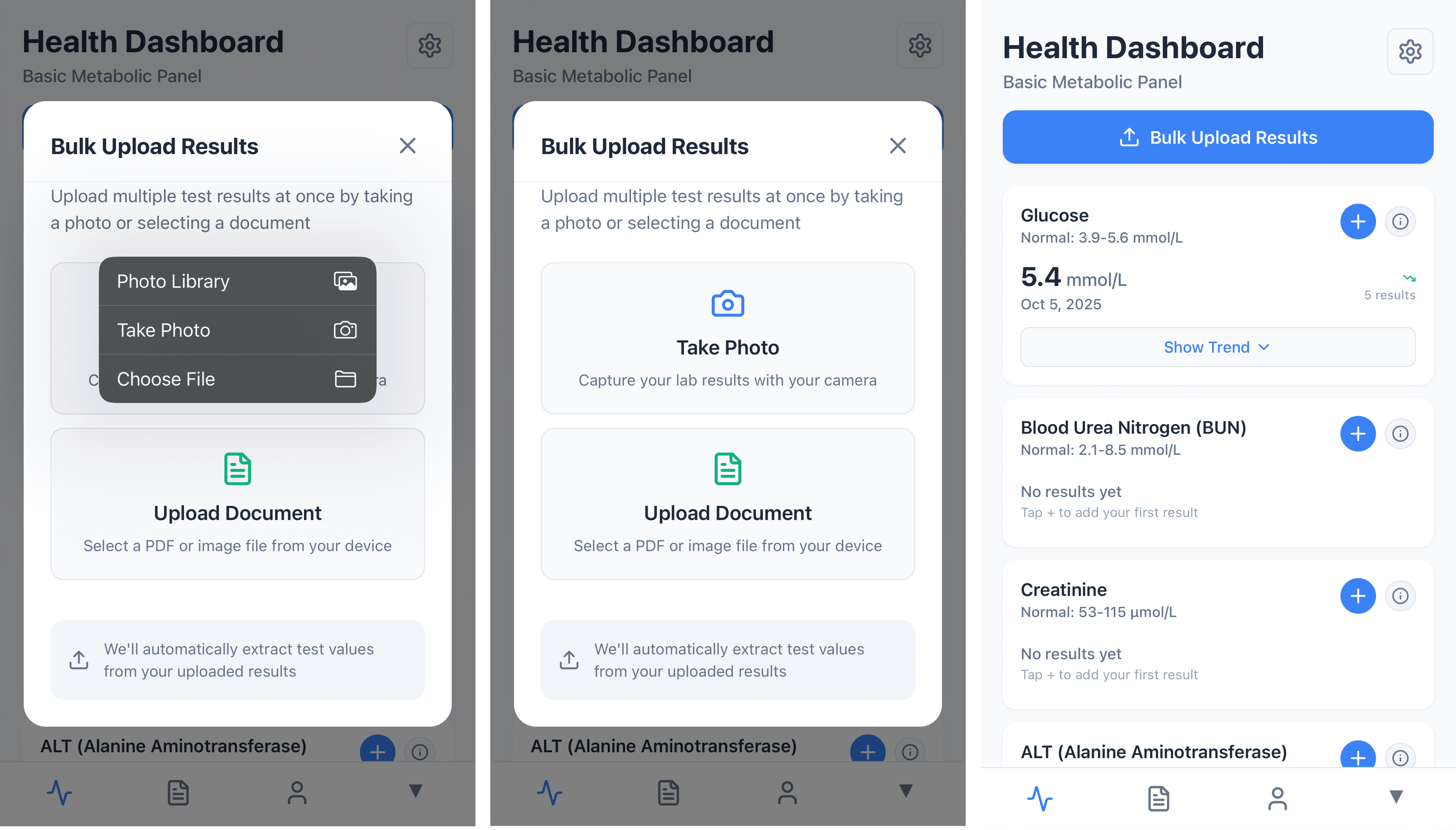
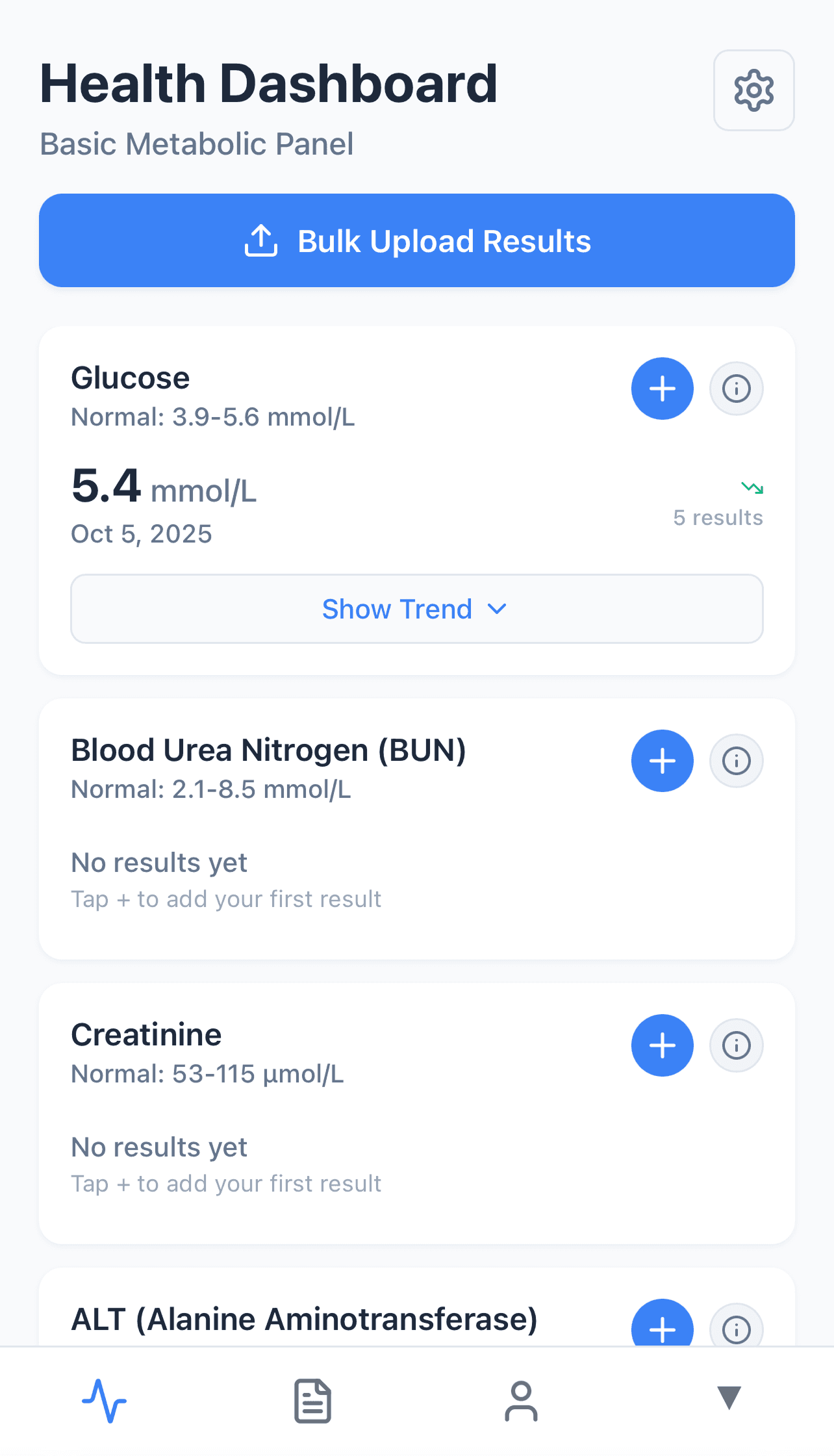
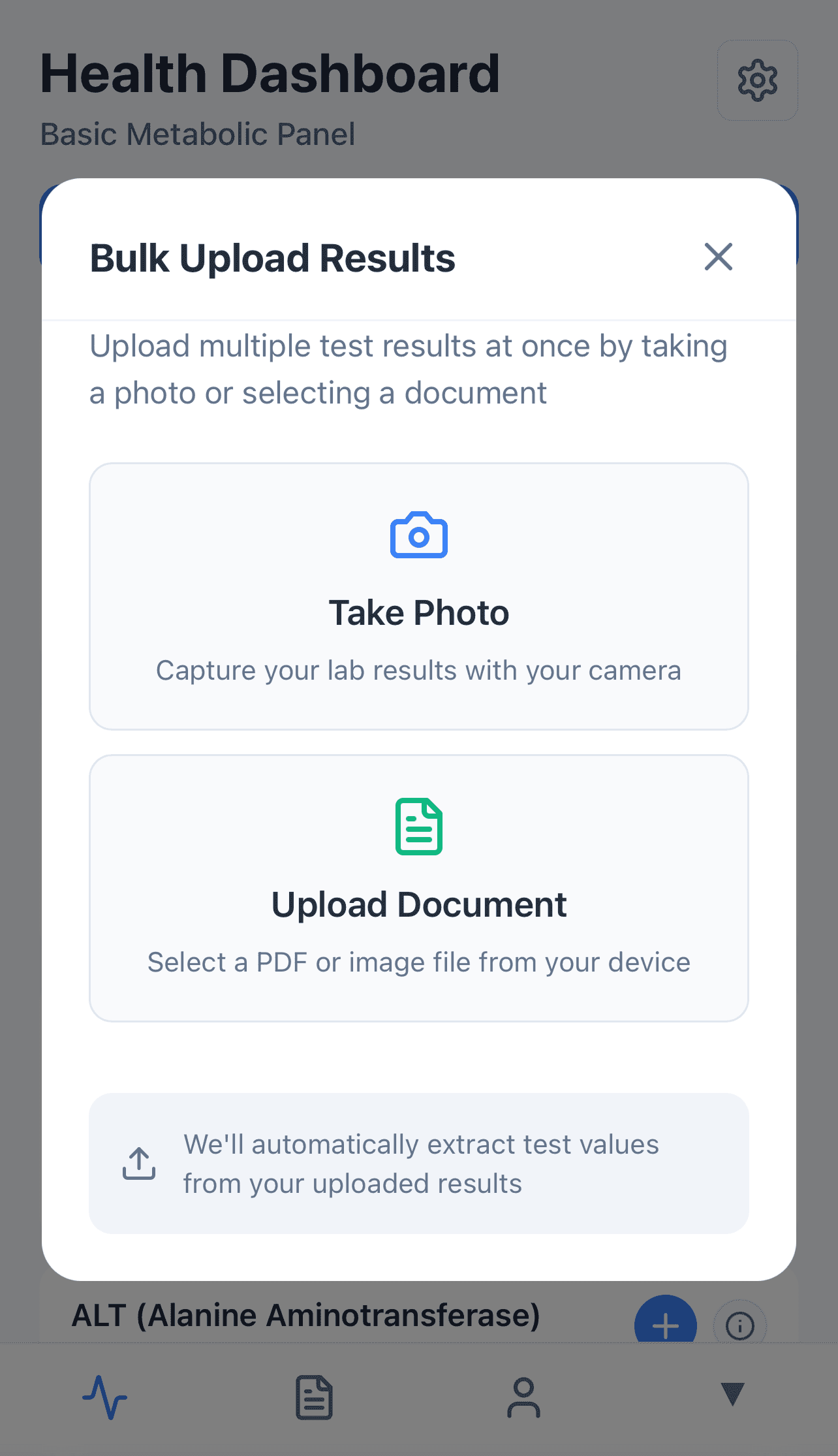
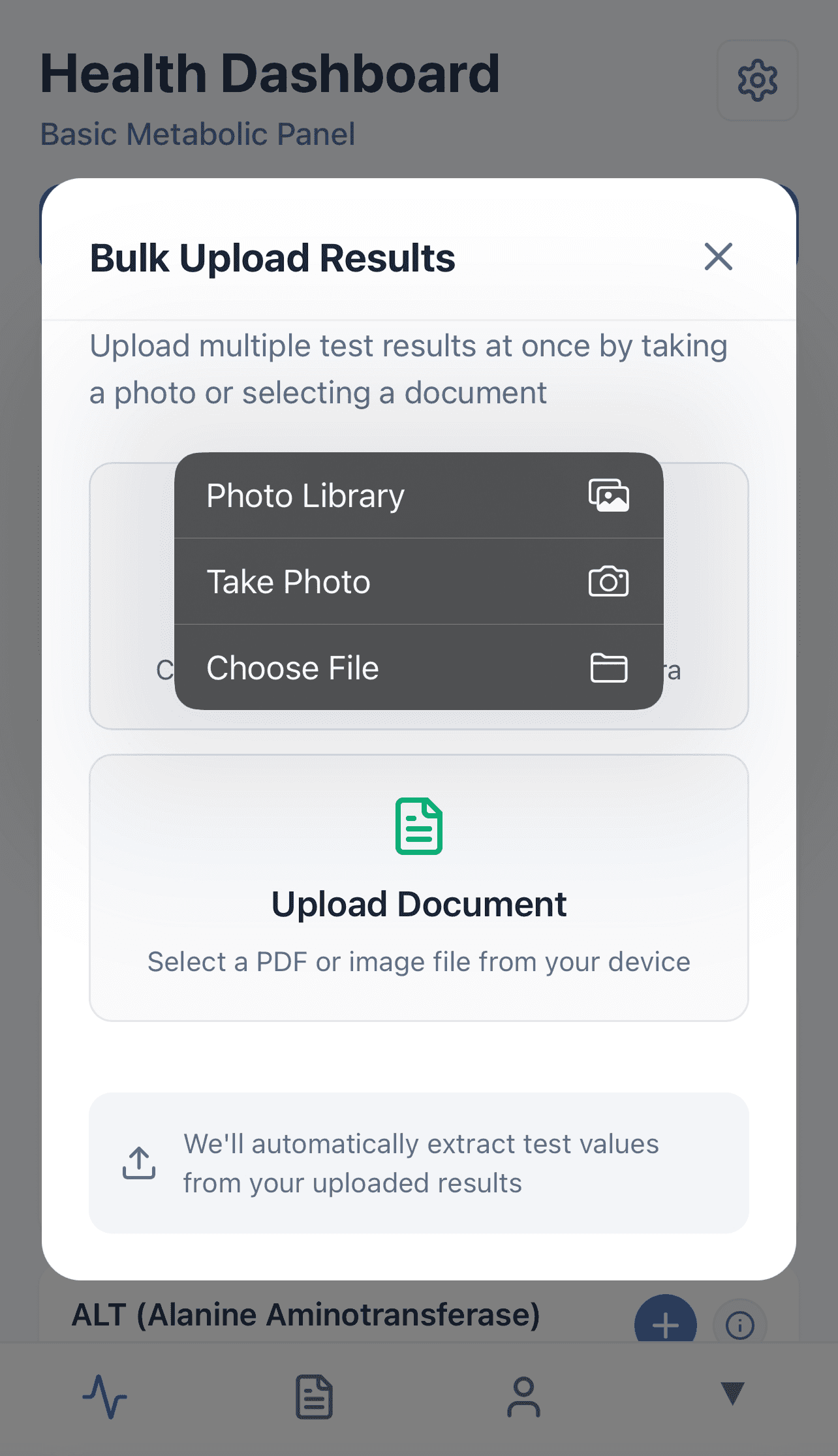
Prototype of AI-Powered Blood Test Tracking
About the project
The Problem
Existing health apps required either tedious manual input of blood test data or waiting up to 3 days for professional processing. As someone passionate about analyzing health data to identify trends and patterns over time, I needed a faster, more efficient solution for tracking my biomarkers.
The Challenge
Building a functional prototype using AI development tools presented several technical challenges:
Tool Learning Curve: Mastering Bolt.new's prompt engineering—learning when to use simple, focused requests versus complex ones to avoid error loops
OCR Implementation: Initial attempt with Google Vision API failed; pivoting to Google Document AI introduced new challenges
Data Parsing Complexity: Handling multiple Slovak blood test formats with varying layouts, language nuances, and biomarker naming conventions (e.g., "glucose" appearing with multiple variants in Slovak language test results)
Number Extraction: Accurately parsing biomarker values from lines containing reference ranges and multiple numerical data points
Debugging Process: Developing an effective workflow switching between Claude for debugging assistance and Bolt.new for implementation
The Solution
I built the prototype without writing code by hand, using AI tools:
Used Bolt.new for prototyping and frontend development
Implemented Google Document AI for robust OCR processing after Google Vision proved insufficient
Integrated Supabase for data storage and management
Employed Claude AI as a guide for implementation and debugging partner to troubleshoot issues and refine prompts
Results & Impact
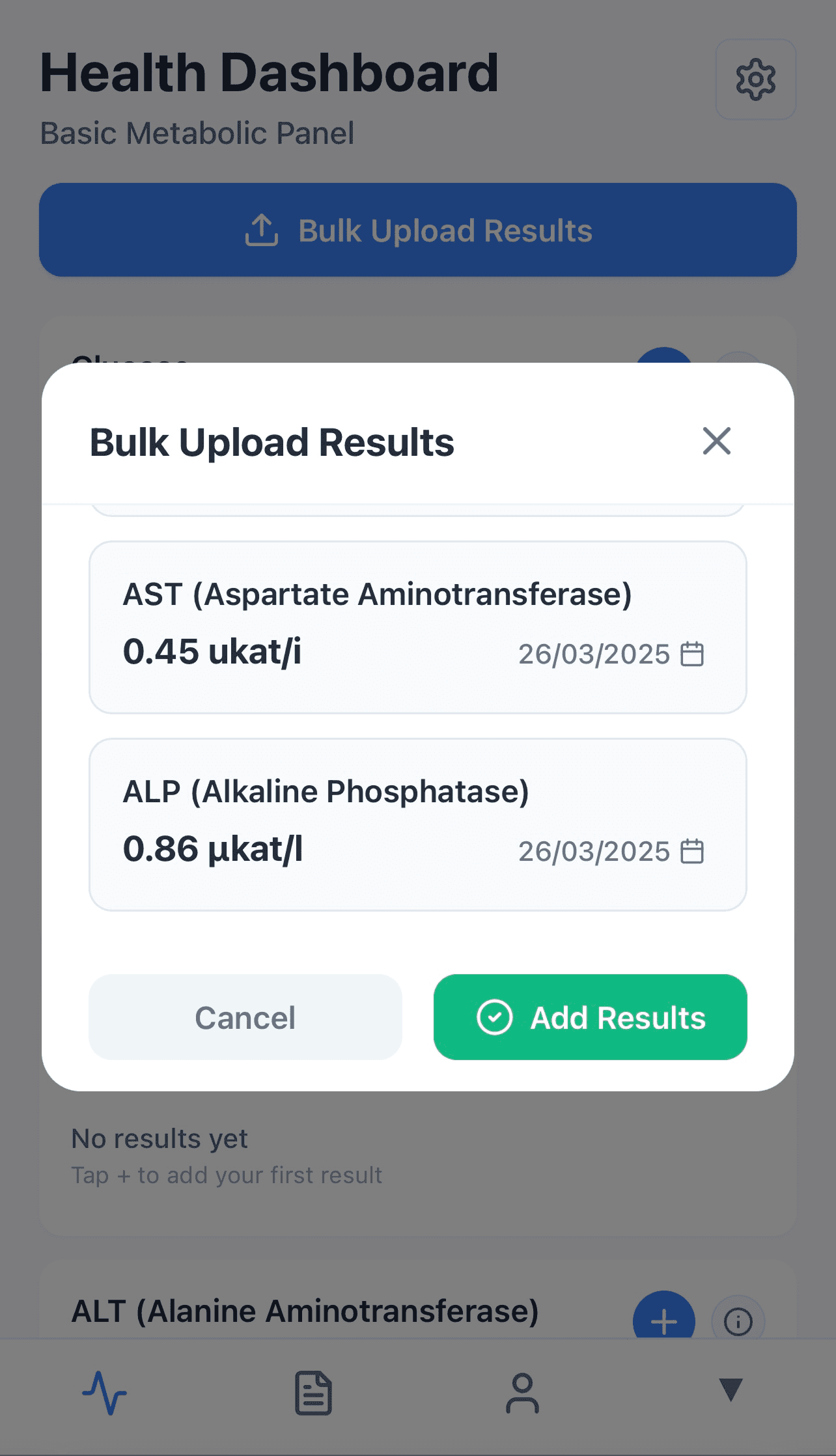
Instant Processing: Blood test results uploaded and digitized immediately
Multi-Format Support: Successfully handles 1 Slovak blood test format, other 2 formats it's identifying most of the selected biomarkers correctly, but still has gaps in accuracy of units and identification of correct number in the line
Real-World Validation: Tested with actual blood test results to ensure accuracy
Key Learnings
This project demonstrated the viability of AI-assisted development for rapid prototyping and taught me critical skills in prompt engineering and AI tool orchestration. The experience showed that complex technical problems can be solved through strategic tool selection and iterative refinement, even without traditional hand-coding.